Phones and tablets
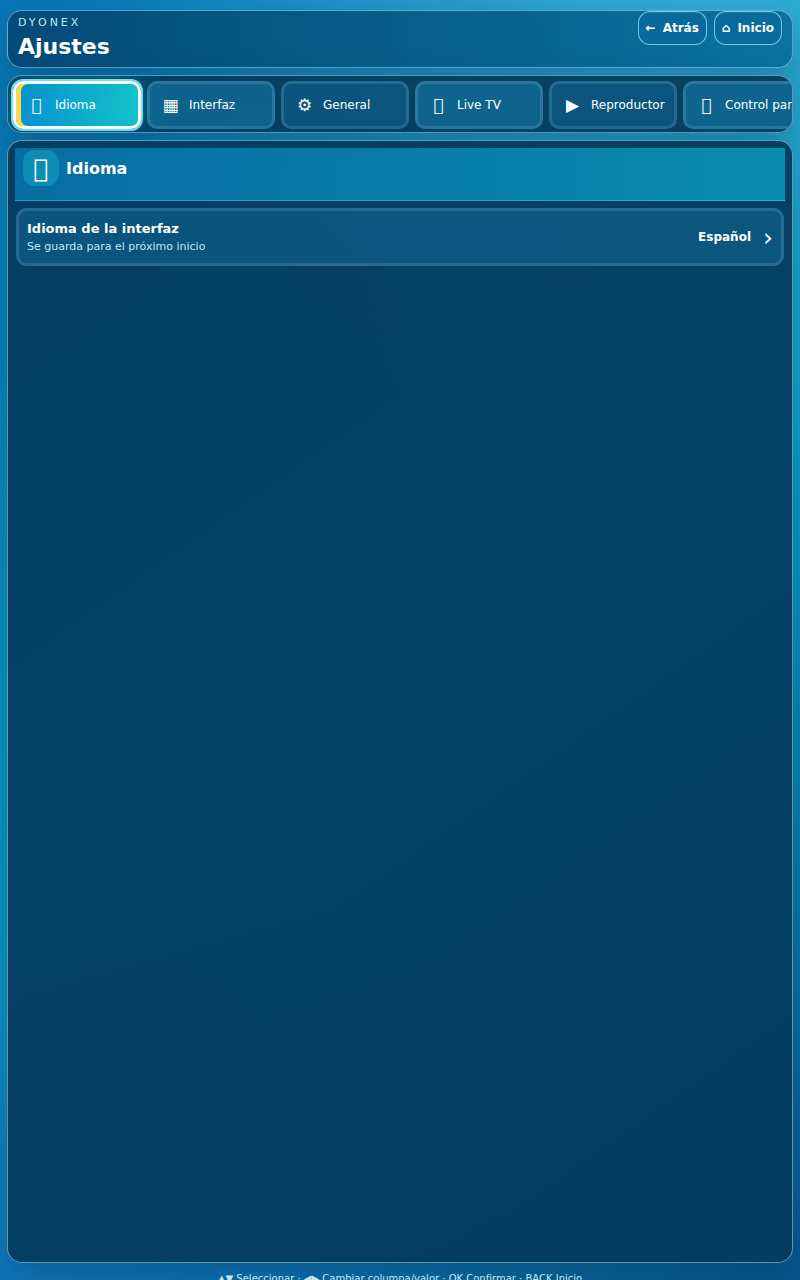
Take your playlist with you, with touch controls and a floating video window on supported devices.
For your devicePhones and tablets
System requirementAndroid 8.0+
App version2.1.1
ControlsTouchscreen
What you can do
Your catalog, organised.
- Live TV organised by categories and favourites.
- Search the movies and series in your playlist.
- Add your M3U playlist or Xtream details from your phone using a QR code.
- Playback, audio and subtitle controls when available in your content.
From download to your first playlist.
- Open dyonex.app/mobile in your phone or tablet browser and download the APK.
- Open the file and, if Android asks, allow installation from that browser.
- If you already have this web edition, install over it without uninstalling or clearing data. Then connect your own playlist.
It starts with your playlist.
Install a compatible edition, open DYONEX and use the QR code to enter details from your phone. Check the address and keep http or https exactly as supplied by your provider.
How to add your playlist →How to update without losing your data
If you have web release 2.0.9, install the new release over it to keep your playlists and activation. The 2.0.6 and store editions have their own installation. Update through the relevant store if you use Google Play or Amazon.
Licences and pricing →Windowed playback: what to check
The mobile edition retains its playback controls and floating-window option. Availability depends on the device, Android permissions and active playback. The guide explains these requirements separately from picture settings.
Read the guide