↗ YOUR PLAYER. YOUR PLAYLISTS.
Your playlists.On the big screen. Enjoy your content with DYONEX. Install from Amazon on your compatible Fire device, or choose the edition for your Android device.
Amazon shows availability for your account, country and device.
DYONEX TV PLAYER
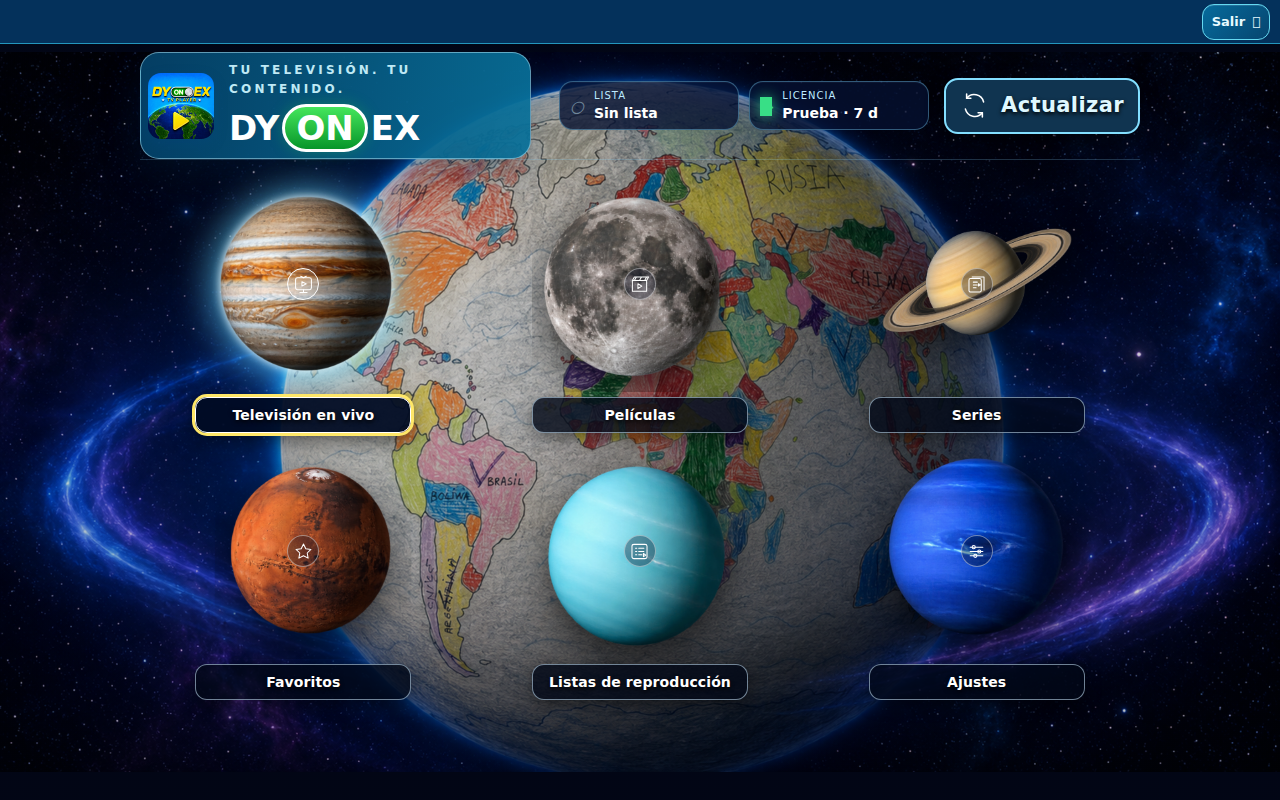
M3U + XTREAM DYONEX mobile edition demo interface, with no playlists loaded. amazon fire Android TV Google TV Android Mobile & Tablet
TRY AN EXAMPLE A free playlist to try DYONEX No playlist yet? Copy this link and add it to DYONEX as an M3U playlist. No username or password is needed.
Free-to-air television DYONEX TV GRATIS The free playlist previously available here, with free-to-air stream links from the TDTChannels project.
https://dyonex.app/downloads/DYONEX-TV-GRATIS.m3u8Copy playlist link
Channel source: TDTChannels . Stream availability depends on the broadcaster and your location.
M3U · Mux Small playback example An M3U playlist with a single Mux demonstration video. Useful for checking a small playlist loads; it is not a live TV channel.
https://dyonex.app/downloads/DYONEX-SAMSUNG-PRUEBA.m3uCopy example link
In DYONEX, open Playlists, choose M3U and paste the full address. On TV, you can also send it from your phone using the app’s QR code. You do not need to download the file when using the link.
DYONEX is a player. You need your own authorised playlist; the licence does not include channel, movie or series subscriptions.
Play video DYONEX · 01:41 · YouTube Official tutorial Install DYONEX. Connect your playlist. The official introduction and guide: choose your edition, install with Downloader and add your playlist from your phone using QR.
Original audio in Spanish. Choose available subtitles in the YouTube player settings.
Watch on YouTube ↗